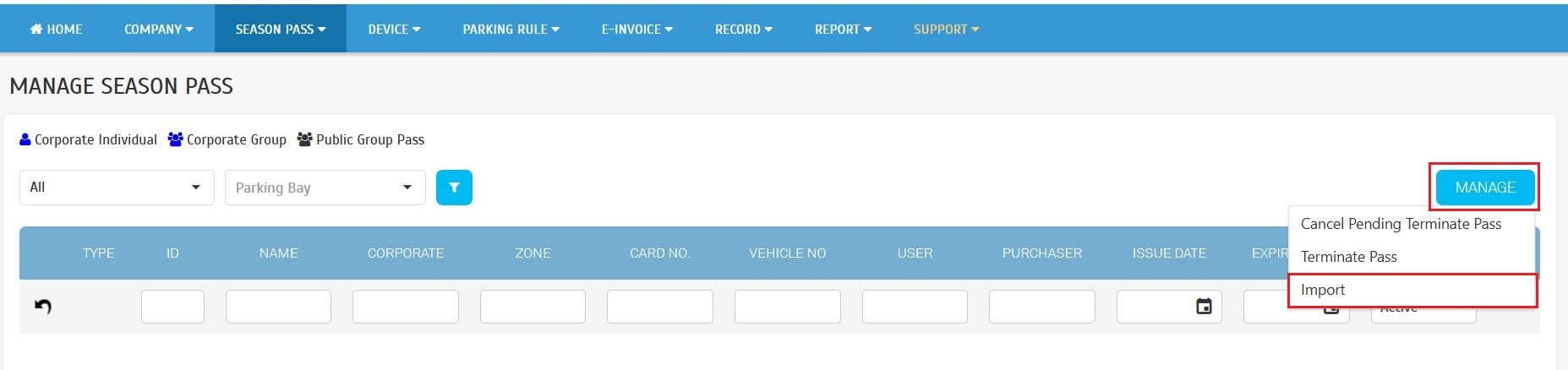
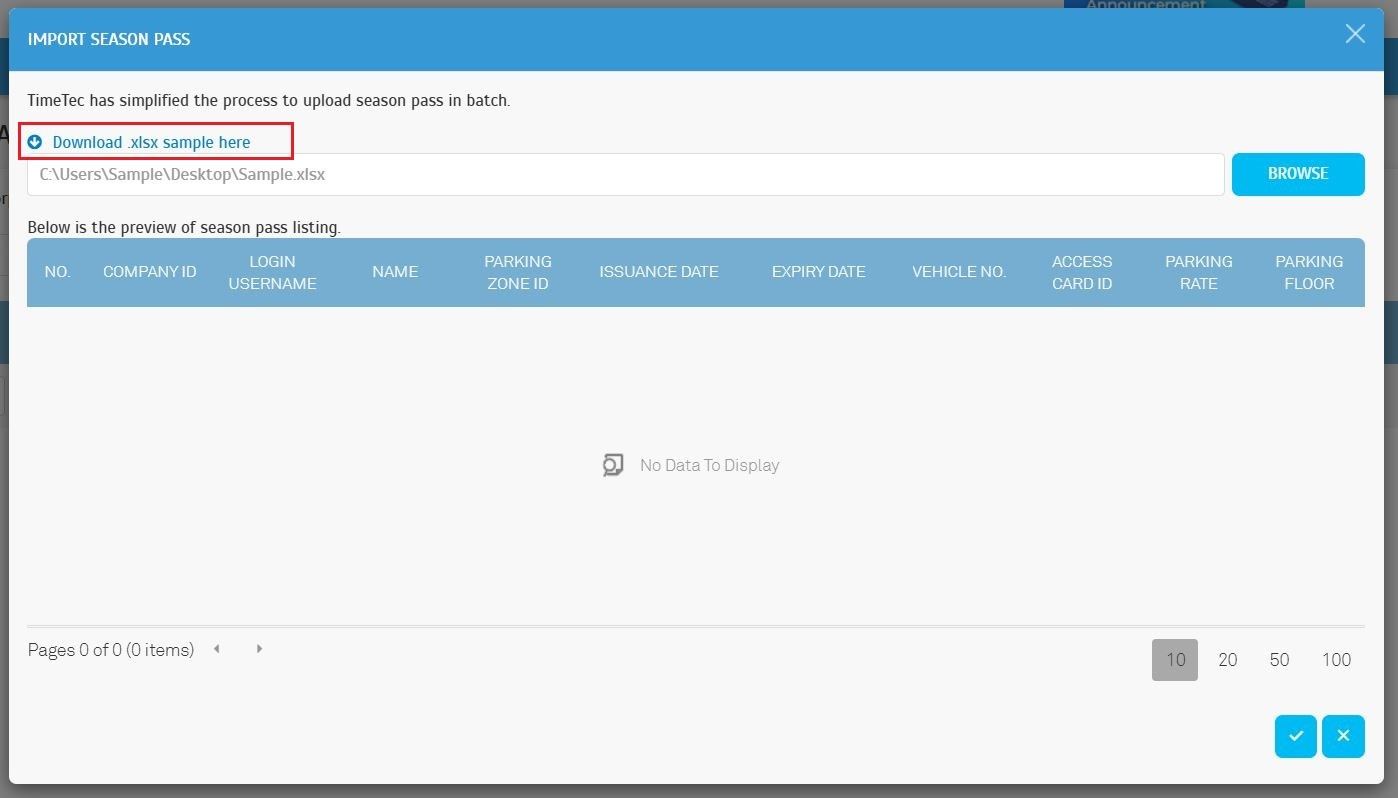
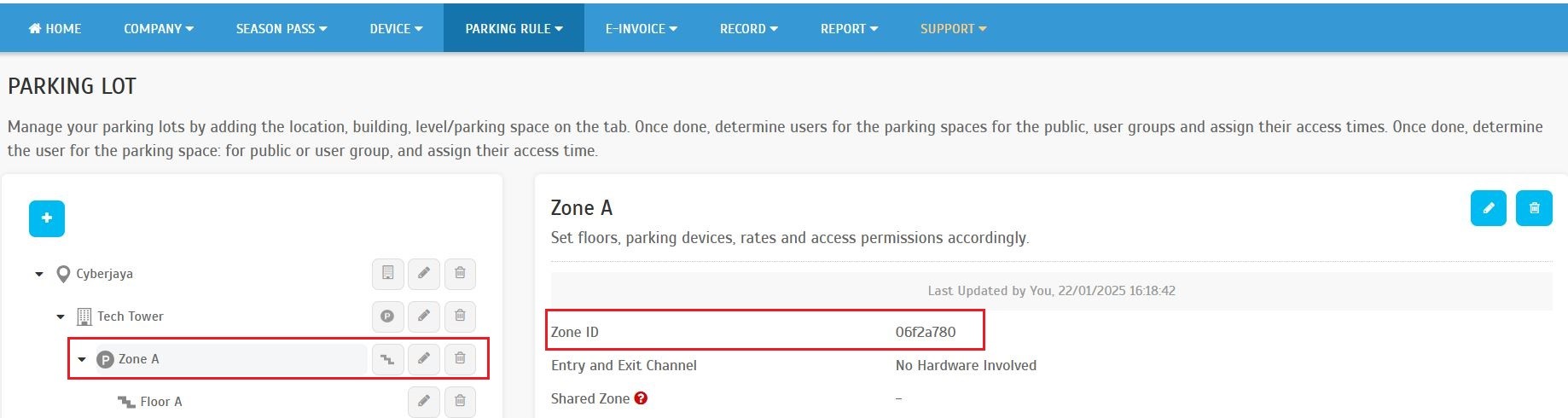
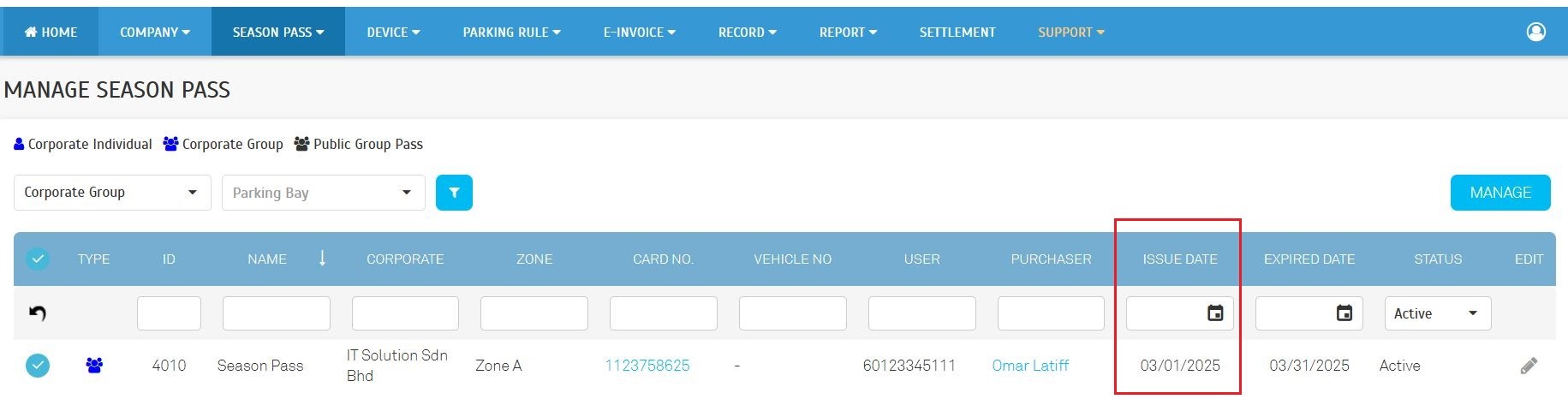
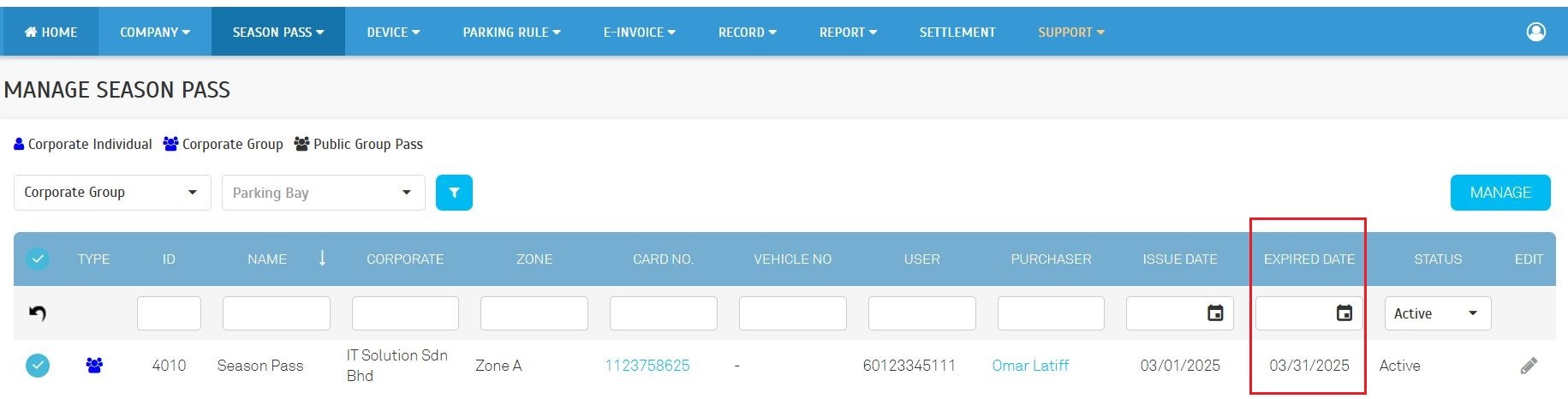
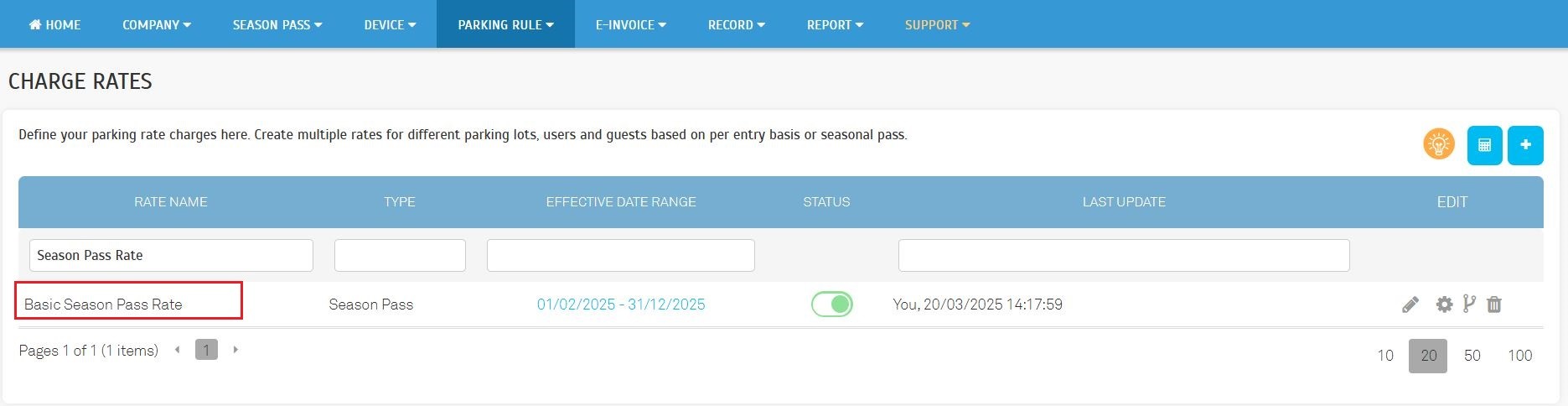
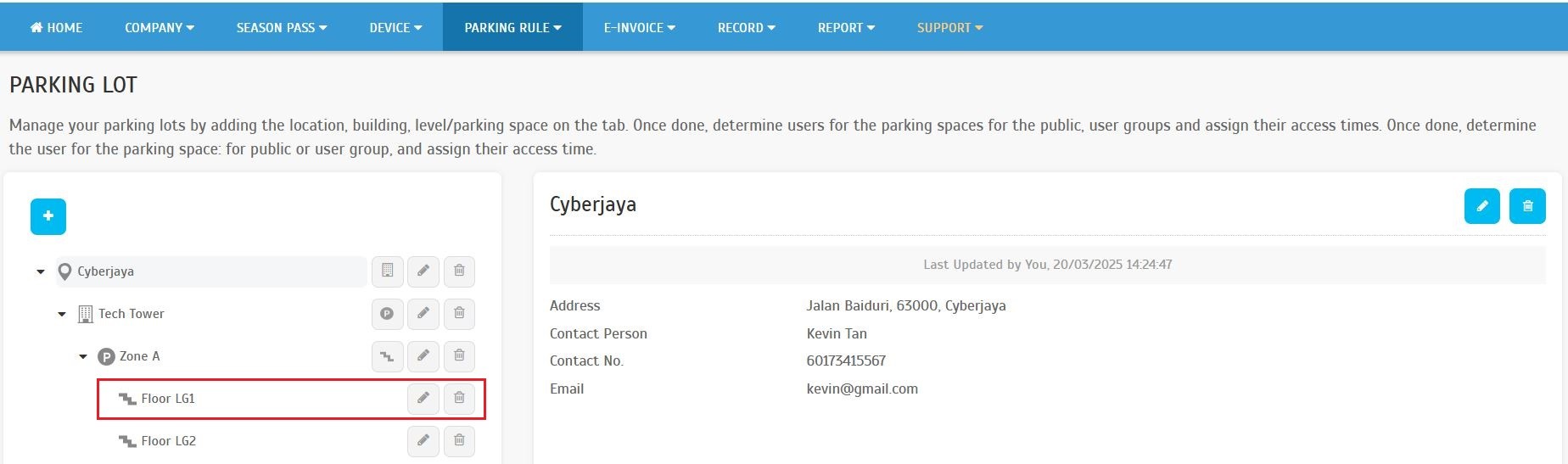
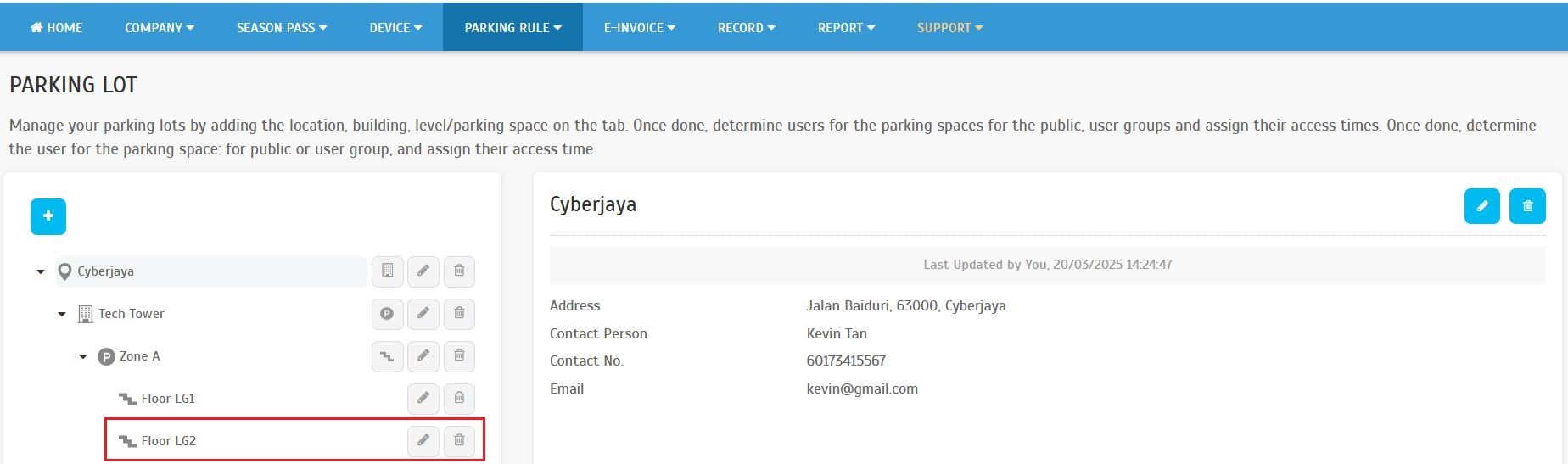
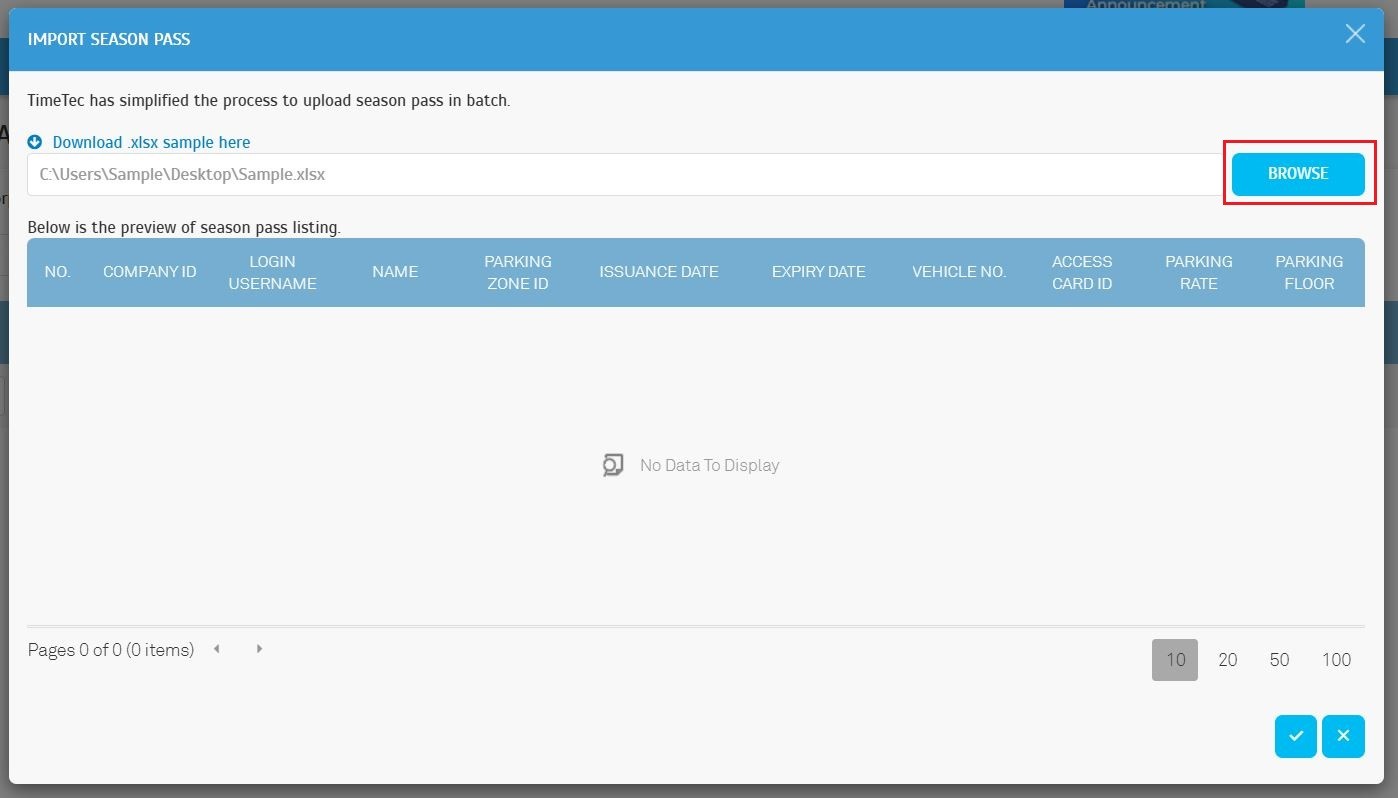
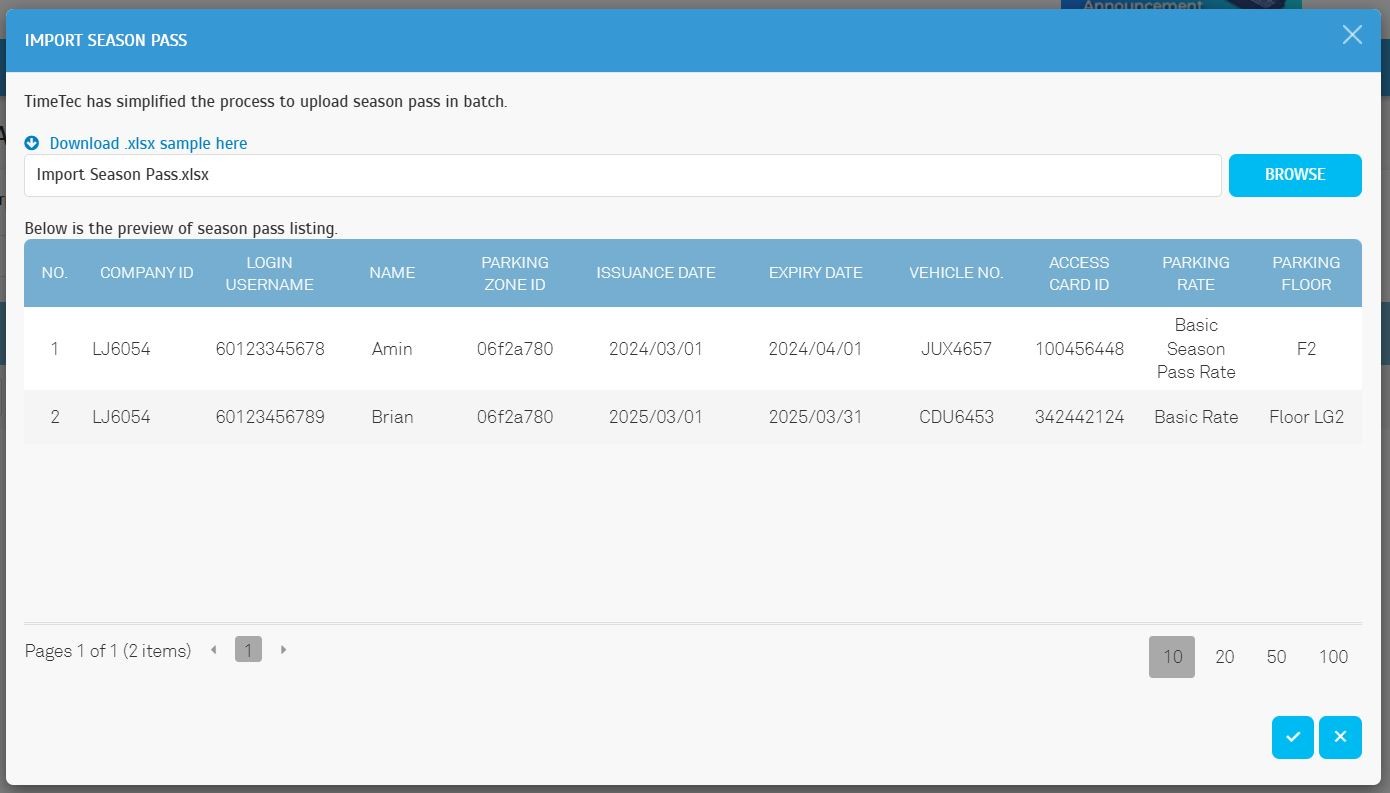
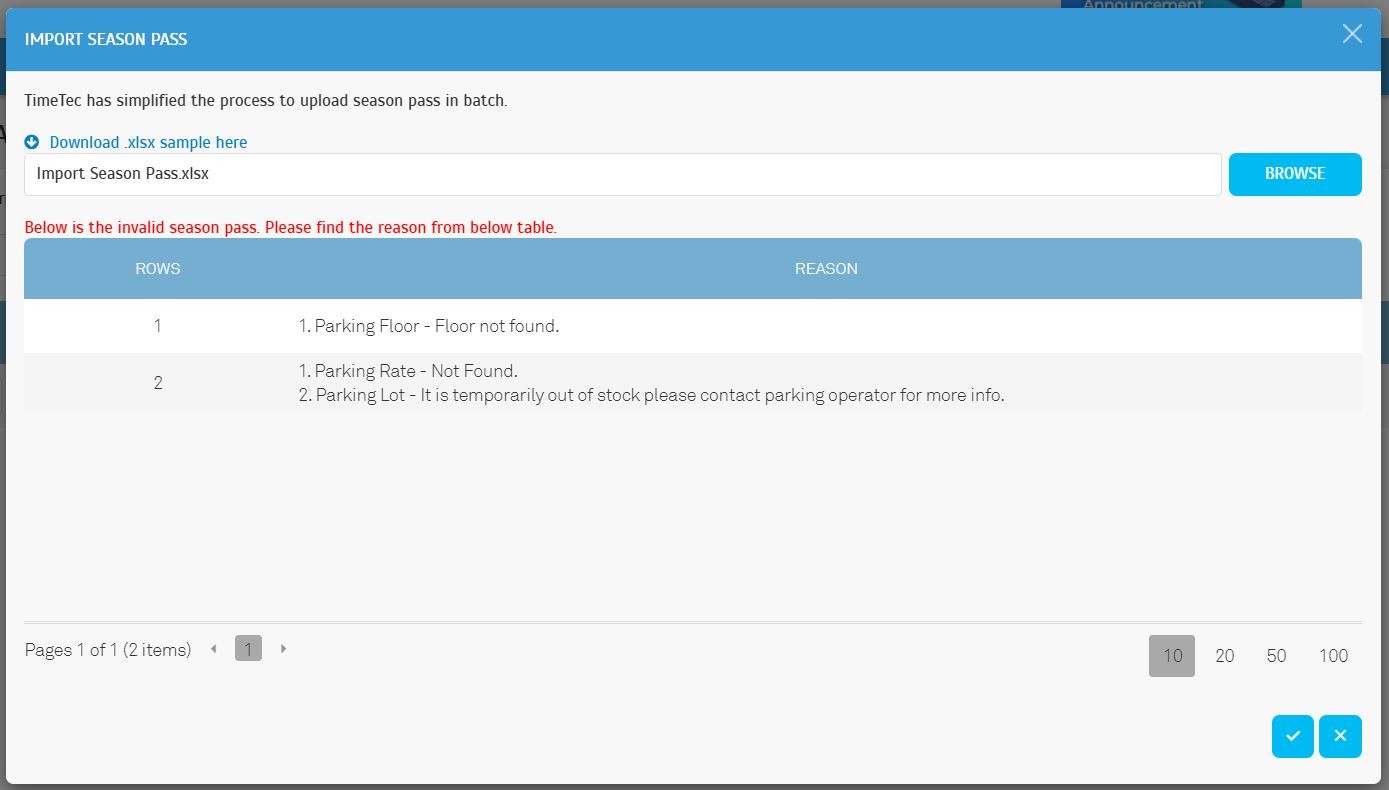
Operators can now import season pass records in batches, simplifying the purchase process for corporate individual passes.
Navigate to "Season Pass" > "Manage Season Pass" > "Manage" > "Import".
The Free Access Pass module now includes additional settings, providing enhanced customization and management capabilities.
A. The system now supports the following new settings:
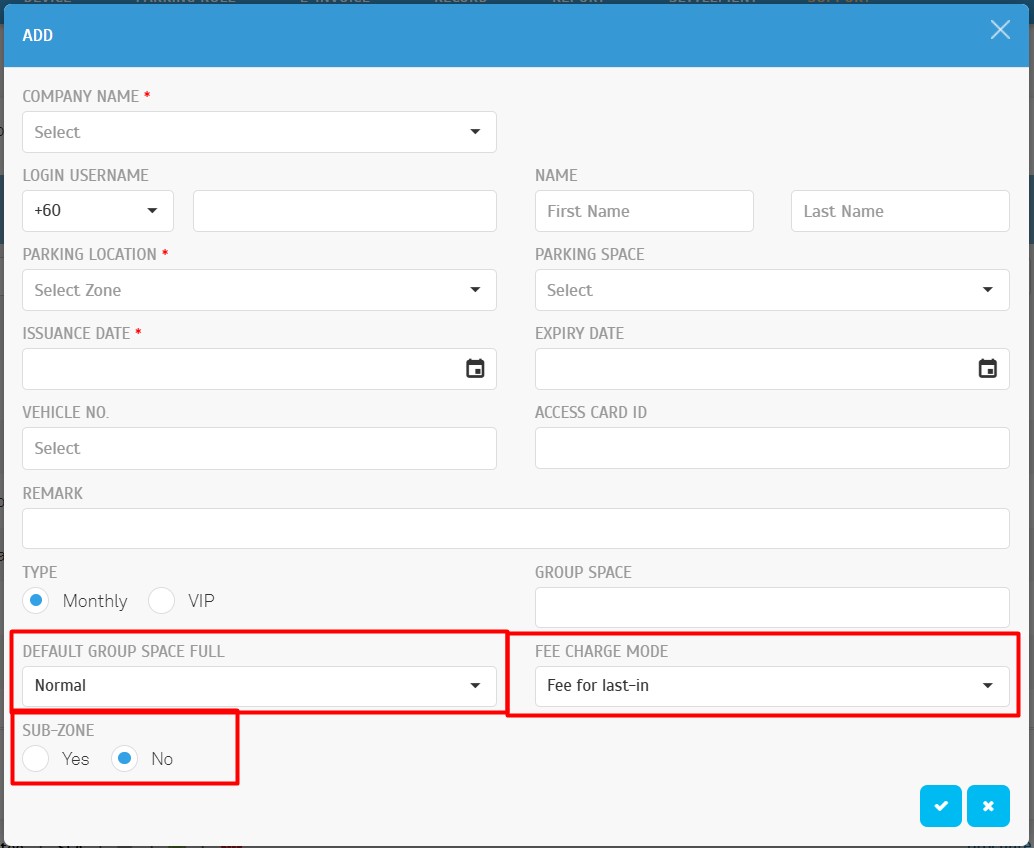
- Default Group Space Full:
- Options: Normal (Default), Forbid.
- Description: Determines the system's behavior when the group space limit is reached.
- Example: A free access pass is registered for two vehicles, VDF717 and WTB717.
- Normal: When VDF717 enters and occupies the group space, WTB717 can still enter but will be charged according to the Fee Charge Mode rules.
- Forbid: When VDF717 occupies the group space, WTB717 will be denied entry.
- Fee Charge Mode:
- Options: None, Fee for First-Out, Fee for Last-In (Default).
- Description: Defines which vehicle is charged when multiple vehicles under the same pass exceed the allowed group space.
- None: No charges apply.
- Fee for First-Out: The first vehicle to exit will be charged.
- Fee for Last-In: The last vehicle to enter will be charged.
- Sub-Zone:
- Options: Yes, No (Default).
- Description: Specifies whether the Free Access Pass is applicable to a designated sub-zone.
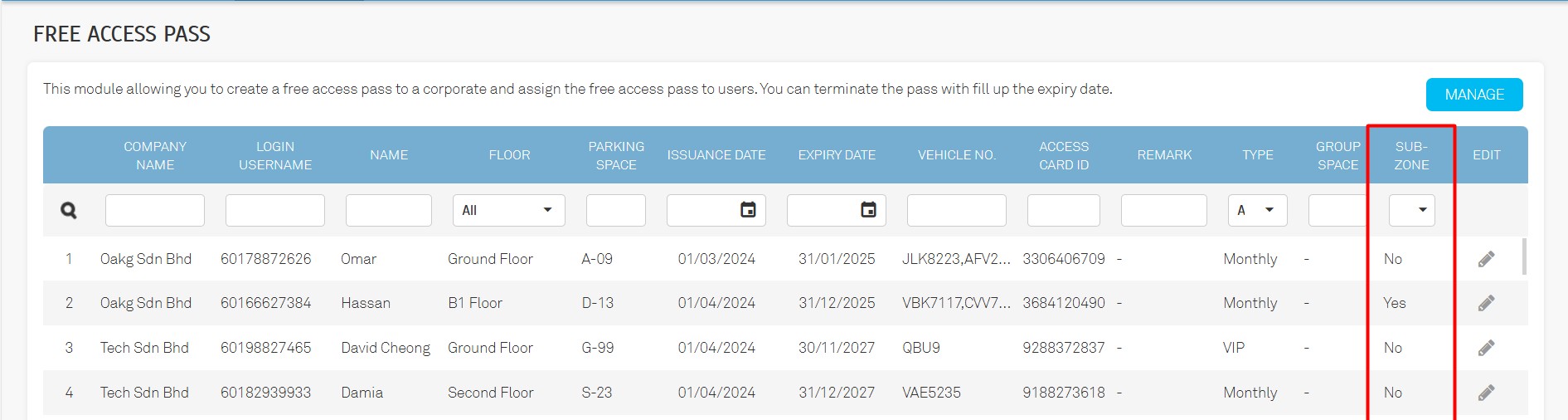
B. Sub-Zone Field in Listing
A Sub-Zone field has been added to the Free Access Pass listing for improved visibility and streamlined management.
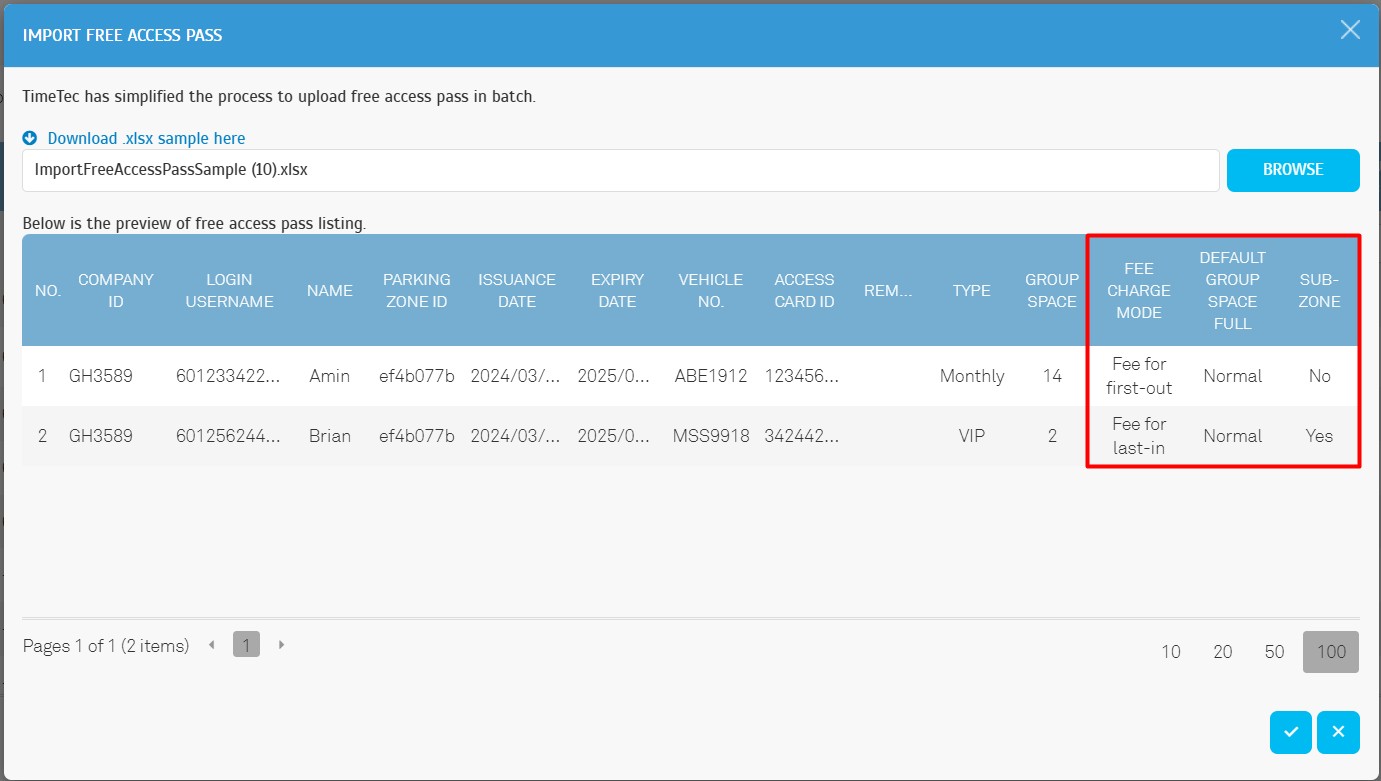
C. Import Free Access Pass
To facilitate more flexible and consistent bulk imports, the system now supports importing Free Access Passes with the following settings: Fee Charge Mode, Default Group Space Full, and Sub-Zone.
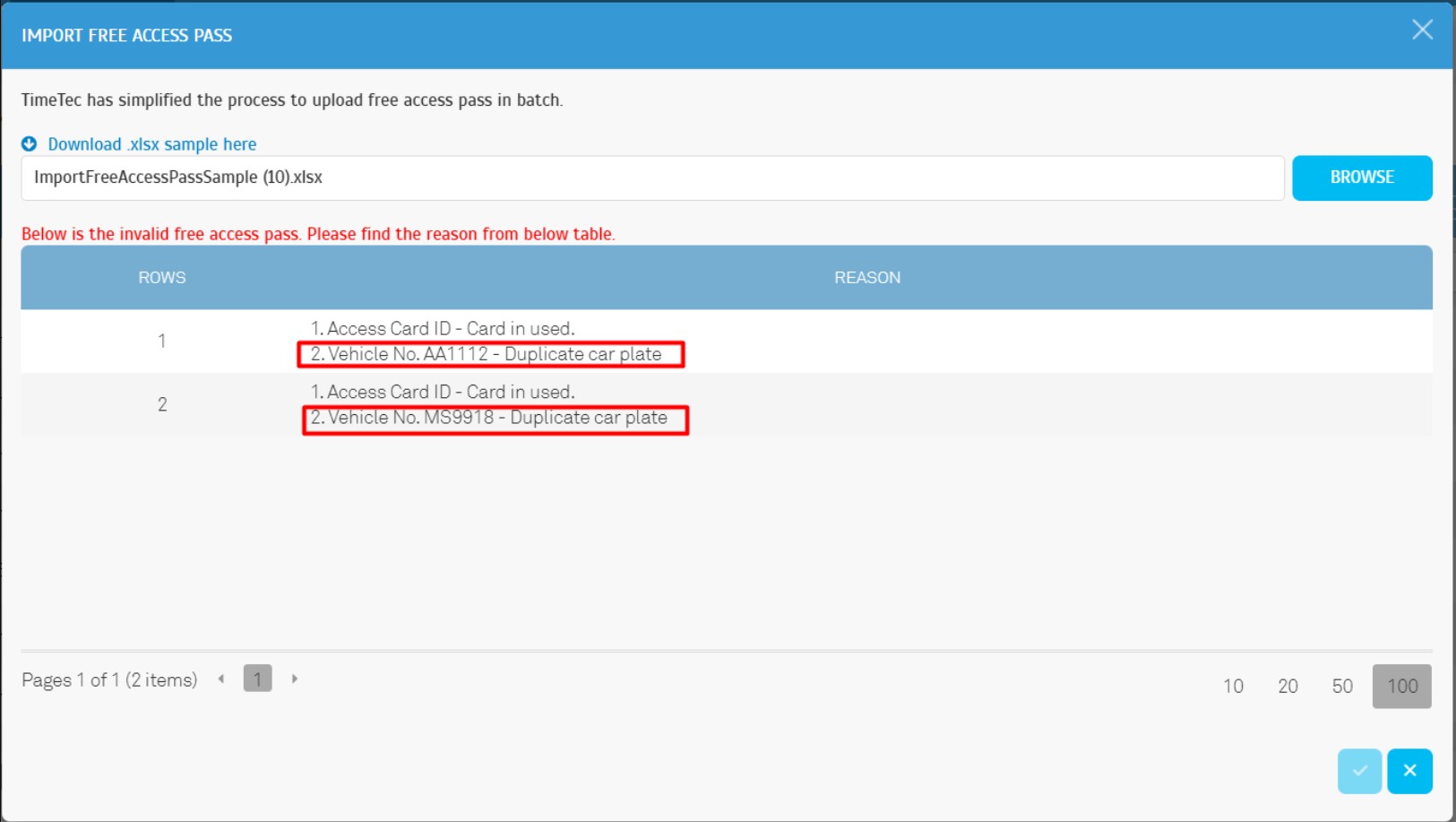
D. Validation Enhancements
To ensure greater accuracy and data integrity, the system now performs enhanced validations during import to detect duplicate car plate numbers, even those registered under a single pass. This improvement allows operators to identify and resolve duplication issues more efficiently.
E. Export Free Access Pass
Exported Free Access Pass records now include:
- Fee Charge Mode
- Default Group Space Full
- Sub-Zone

3. Improved e-Invoice Management for On-Street Parking & On-Street Compound.
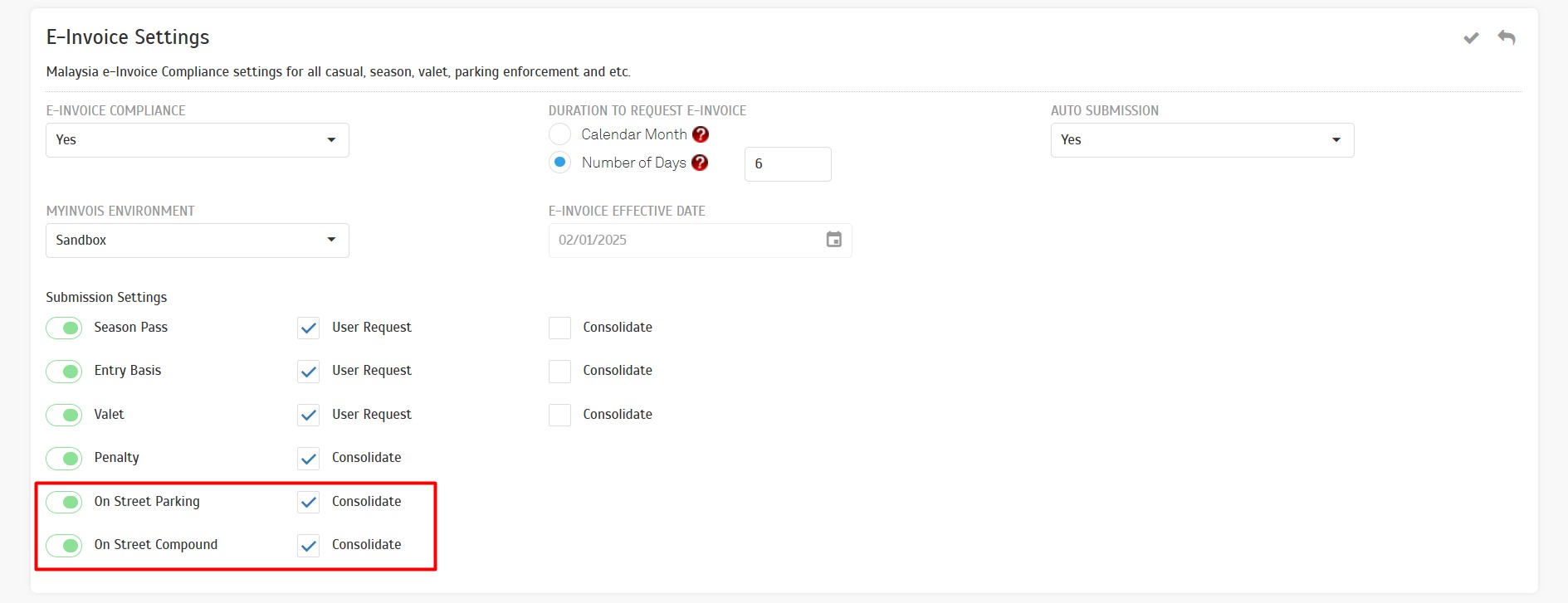
Operators can now more efficiently manage and submit e-Invoice records for On-Street Parking and On-Street Compound transactions.
New submission settings have been added under Consolidation for:
- On Street Parking
- On Street Compound
The
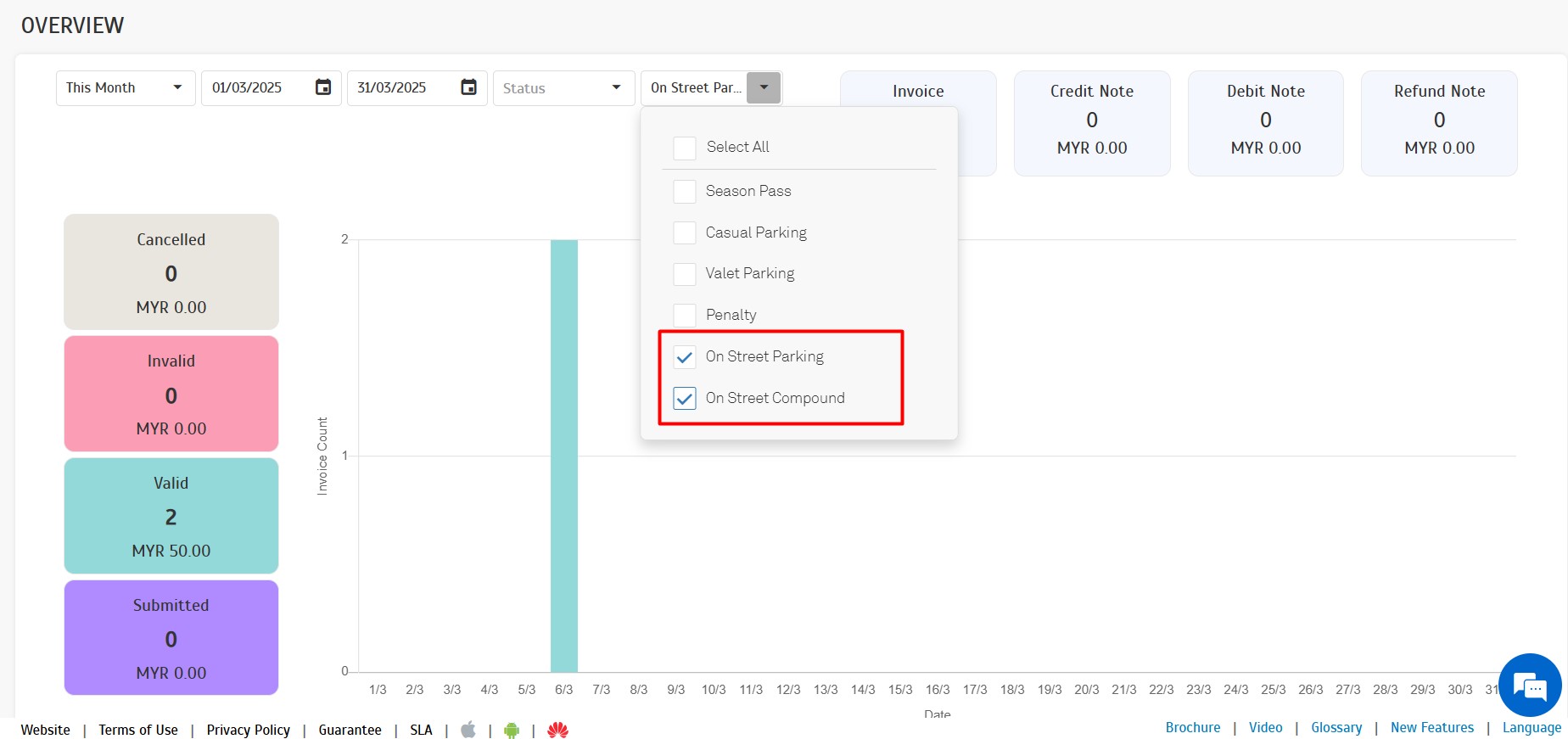
"Overview" section now includes insights and summaries for transactions related to:
- On Street Parking
- On Street Compound
The
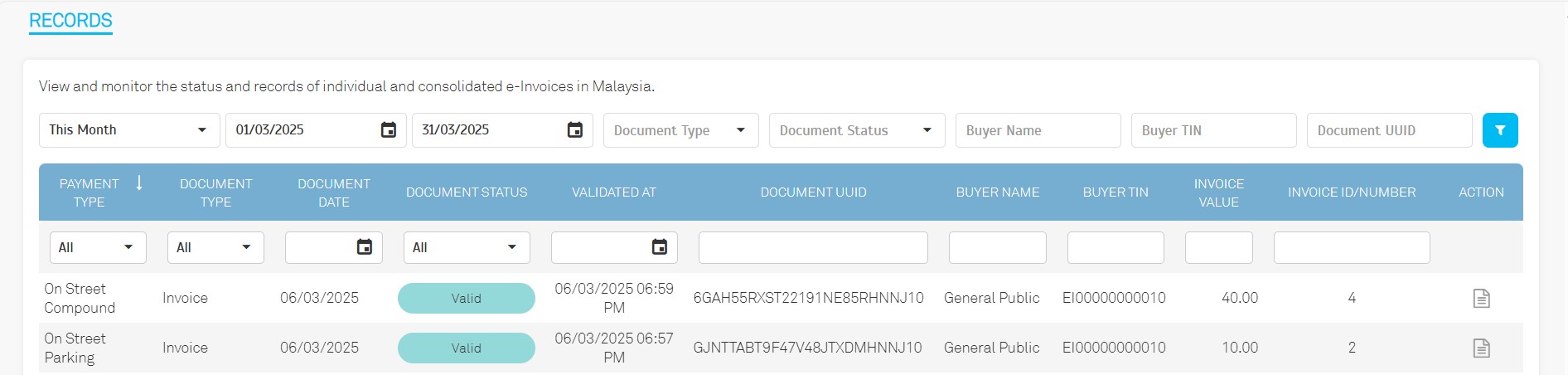
"Record" section has been updated to include:
- Detailed e-Invoice records for On "Street Parking" and "On Street Compound", ensuring complete data visibility and tracking.
The
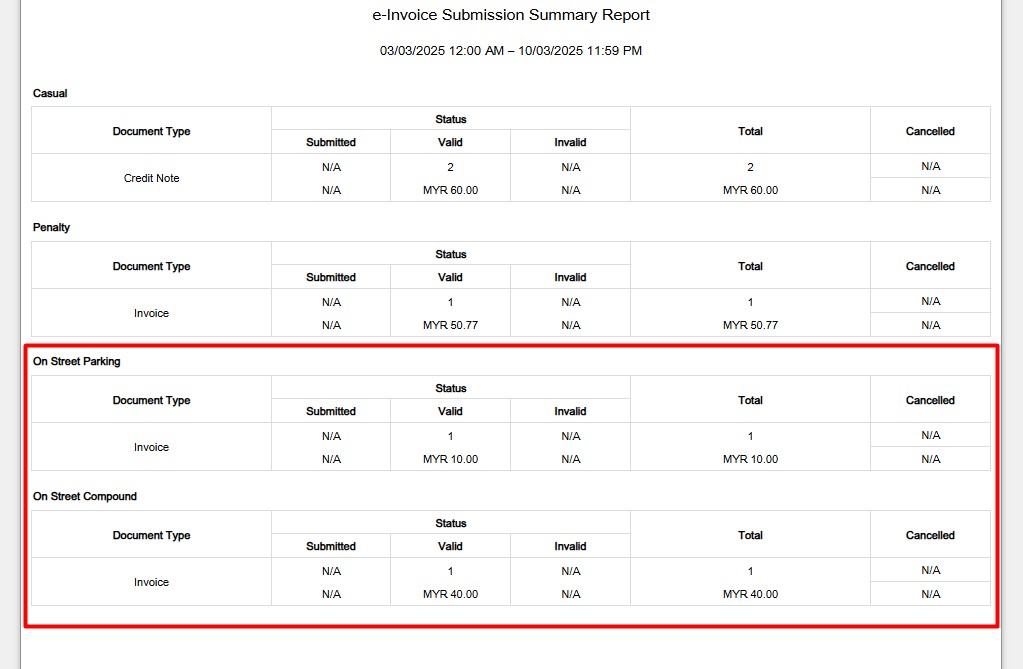
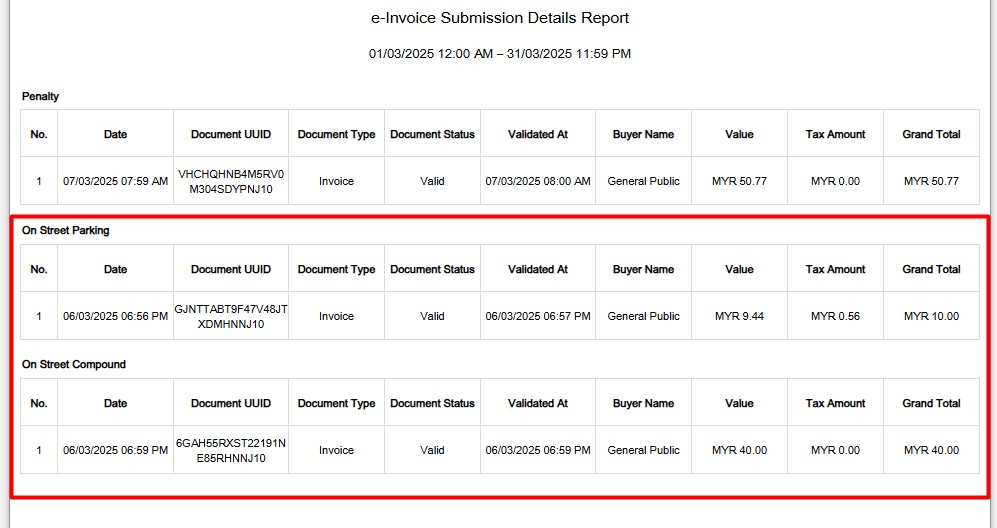
"Report" module now supports comprehensive reporting for:
- On Street Parking
- On Street Compound
Report Sample
e-Invoice Submission Summary Report
e-Invoice Submission Details Report
4. Enhanced Exit Convenience with Delay Payment for Entry-Basis.
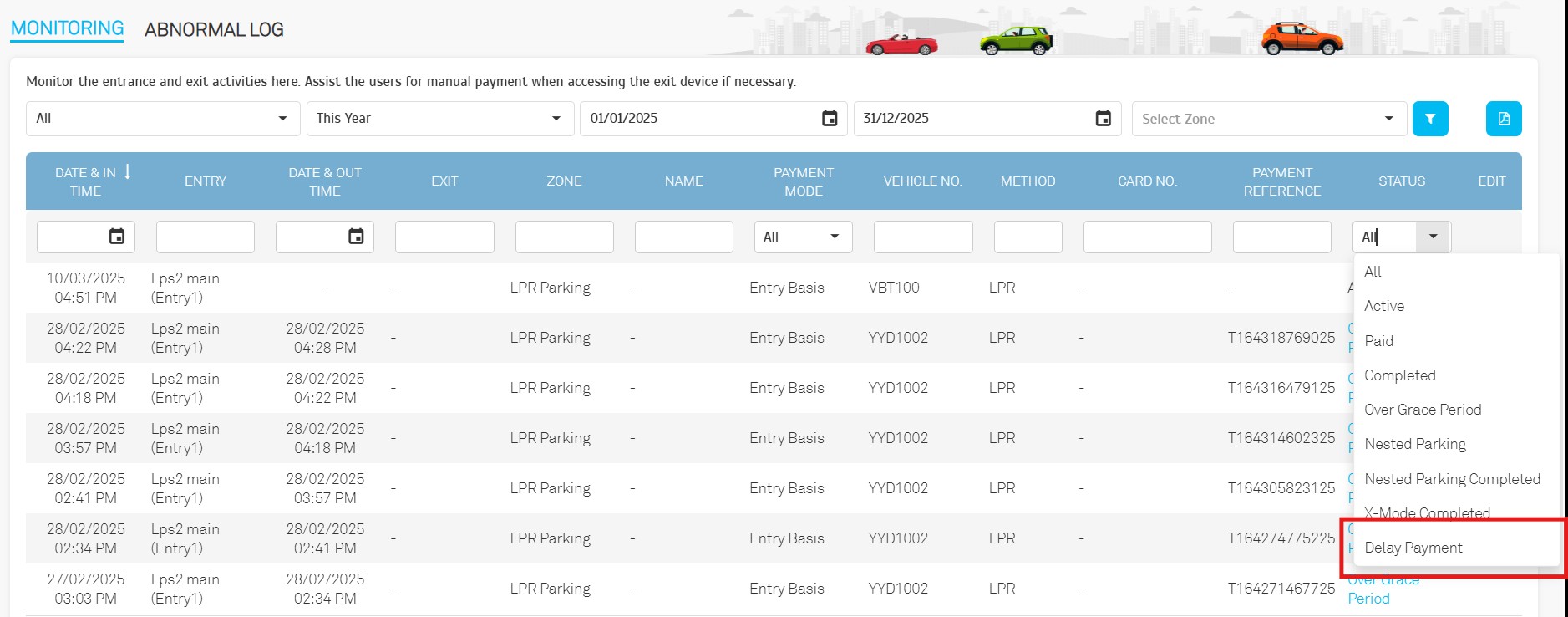
To improve exit convenience, the Delay Payment feature allows users to exit immediately after tapping their credit card, even with initial charge failures. The system will automatically retry the payment in the background.
Operators can now filter and view "Delay Payment" records directly from the monitoring listing for easier tracking and management.
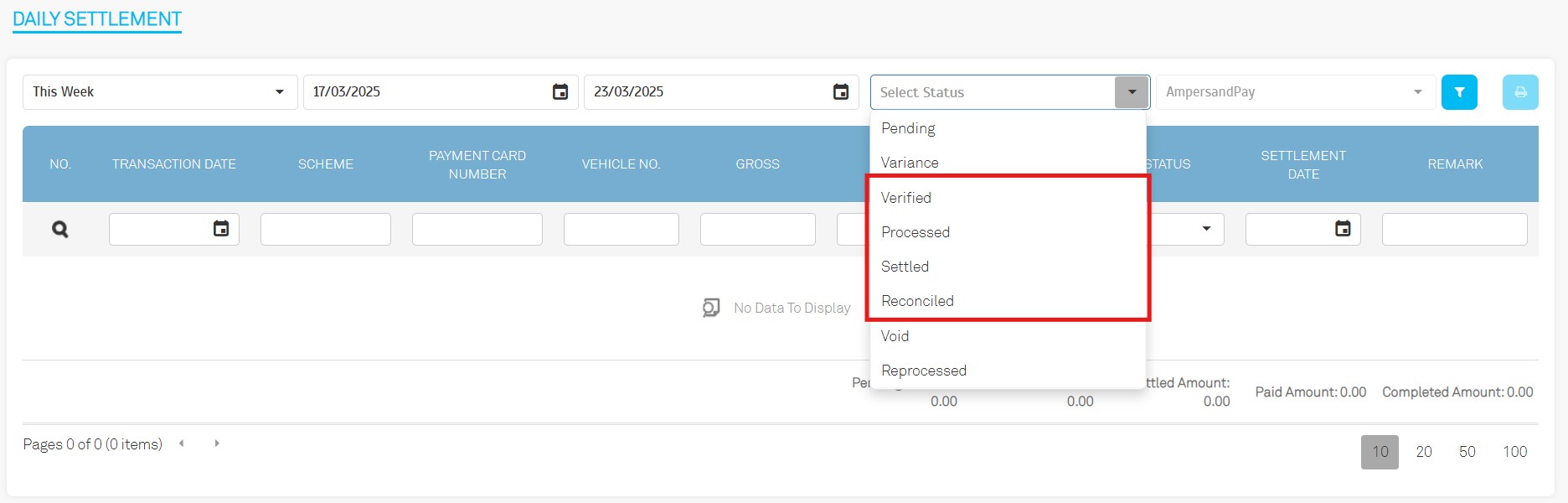
5. Enhancements on Daily Settlement
-
"Settled" → "Verified"
"Paid" → "Processed"
"Completed" → "Settled"
New Status Introduced: "Reconciled" and "Reprocessed"
-
New Columns Introduced:
MDR (Merchant Discount Rate)
Net Payable
Settlement Date
Remark
Column Renaming: "Amount" → "Gross"

-
Export File Enhancement
Added a new column: "PG Transaction ID"

6. General Updates
6.1. Device > Manage LPR
The "Tapway" option has been removed.
The system no longer supports integration with "Tapway".
6.2. Record > Payment > Entry Basis
Export File Enhancement: Added "PG Transaction ID" column.

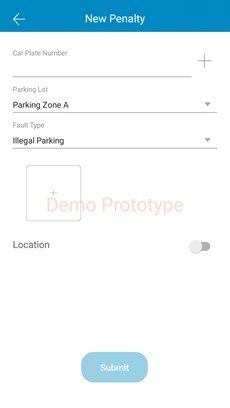
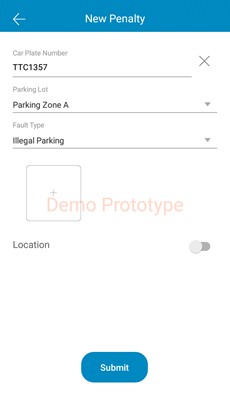
7. New Optical Character Recognition (OCR) into Officer app
Added support for Optical Character Recognition (OCR) to input car plate numbers more efficiently
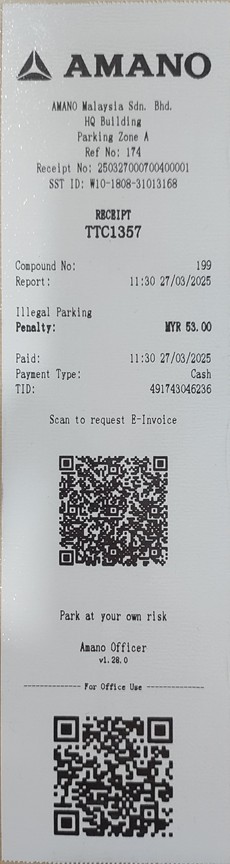
8. Receipt Number into compound ticket
Included the Compound No on receipts to facilitate easier record cross-checking